 Budget
⌨️
Keyboard driven
Press ? for the cheat sheet. g then a letter jumps to any page, / focuses search, and the transaction list moves under j/k.
From importing yesterday's transactions to projecting your pension decades ahead — here's what Budget does, all inside your own Nextcloud. Every section links to the full documentation.
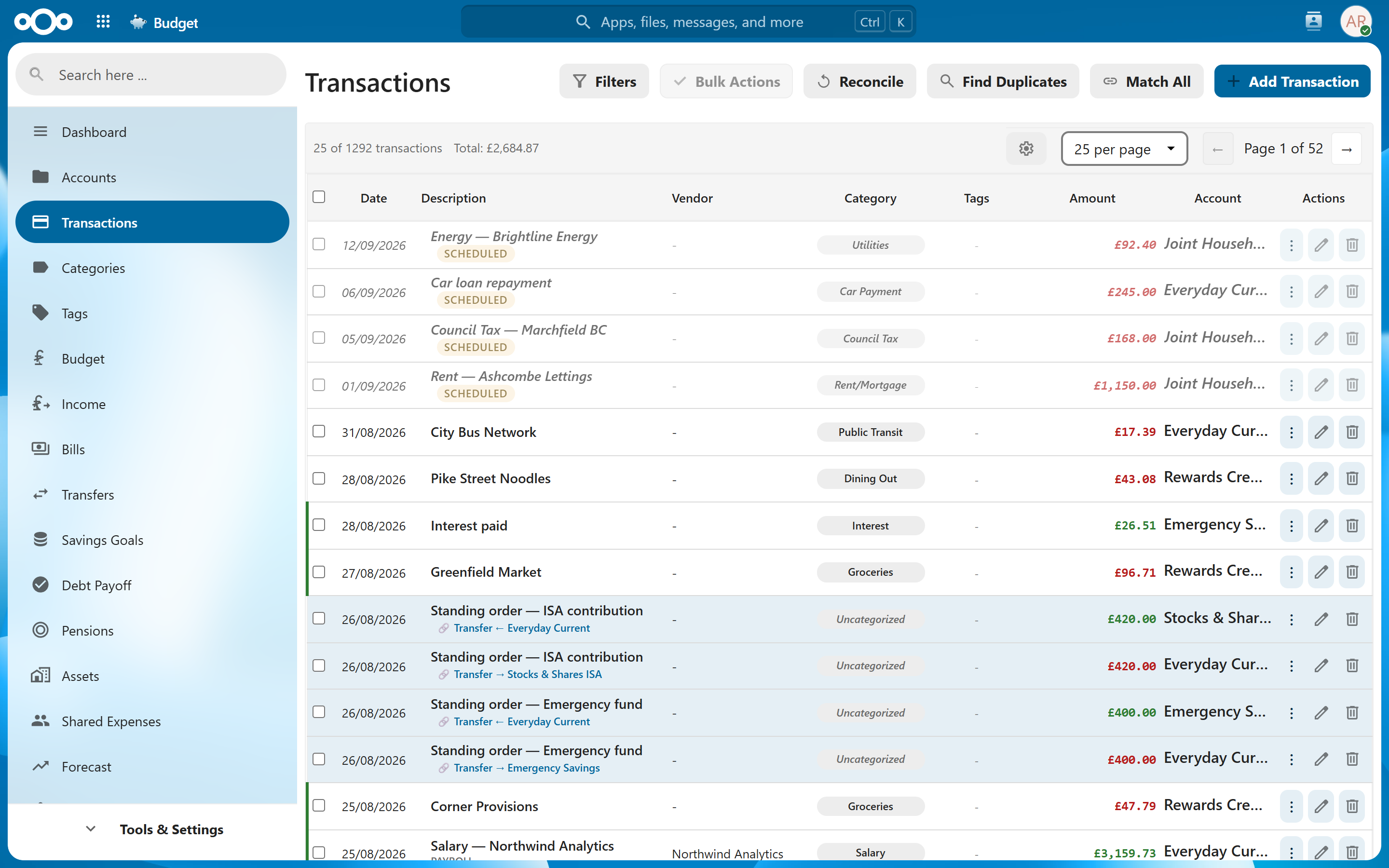
Bring in statements from any bank and keep an accurate register without the busywork.
Transactions · Importing · Rules · Tags
Photograph a receipt and the date, shop, total and every line item are read for you — ready to check and save.
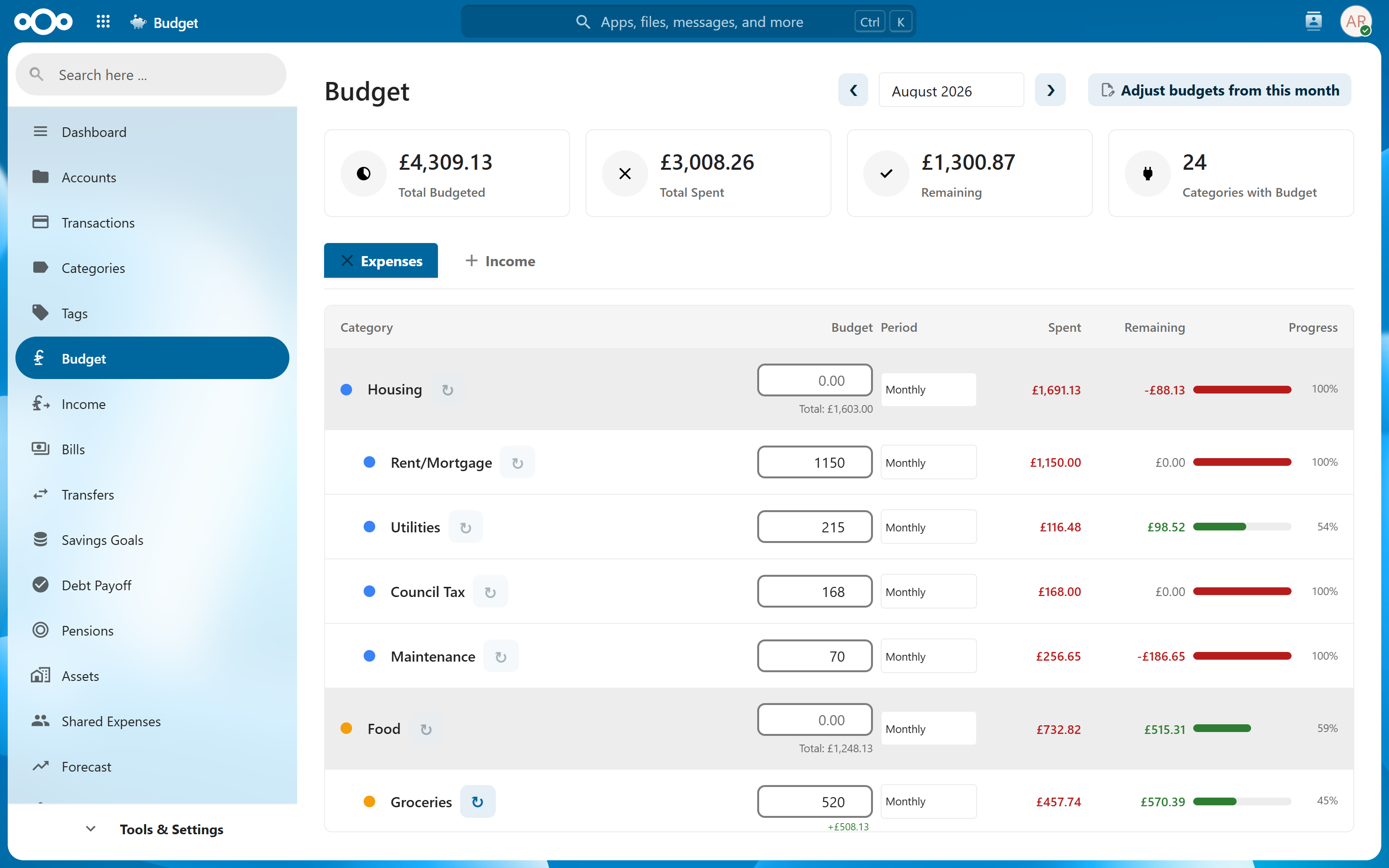
Set limits the way you actually budget, and hear about problems before they happen.
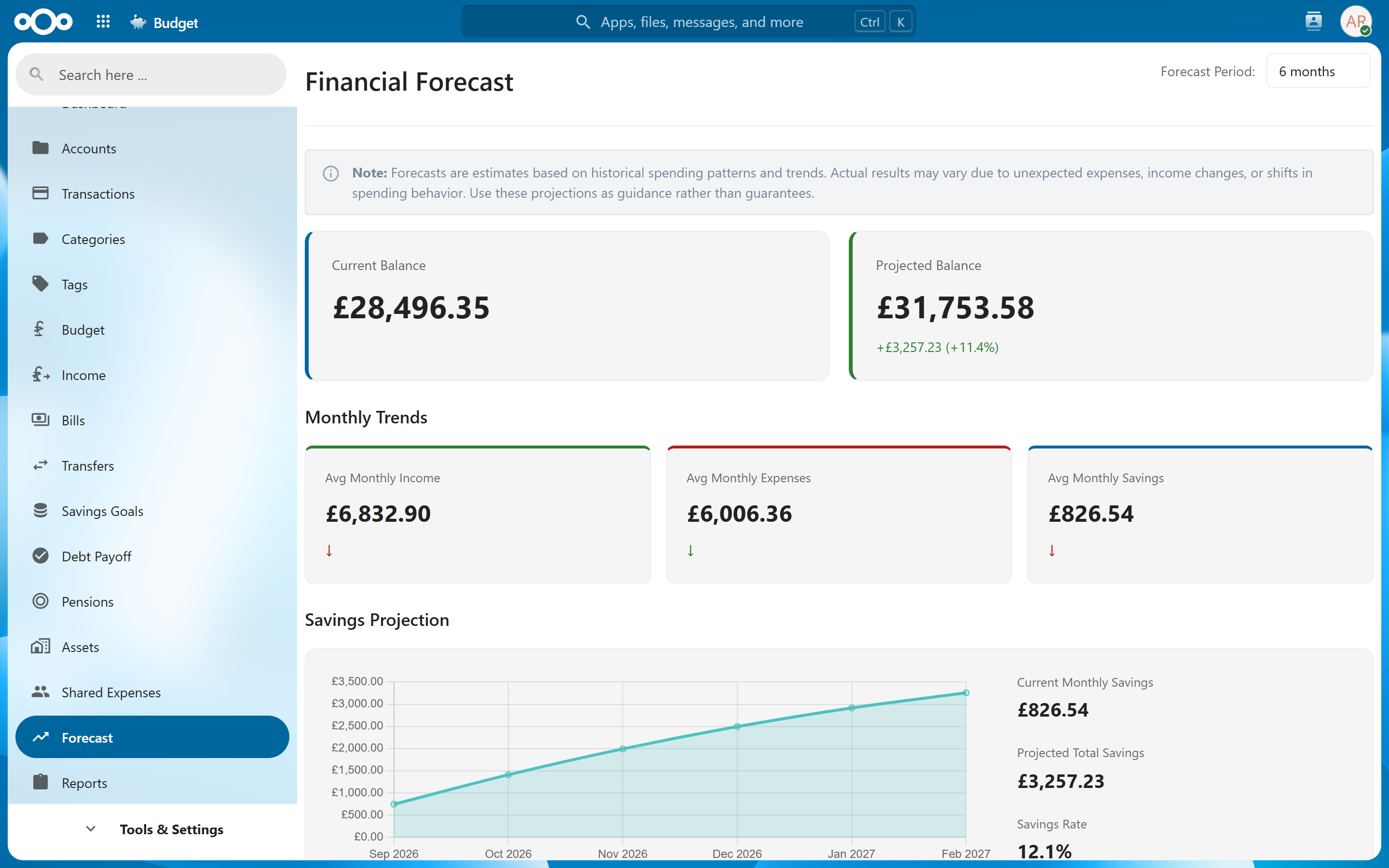
See where your accounts are heading, based on your real history and what's already scheduled.
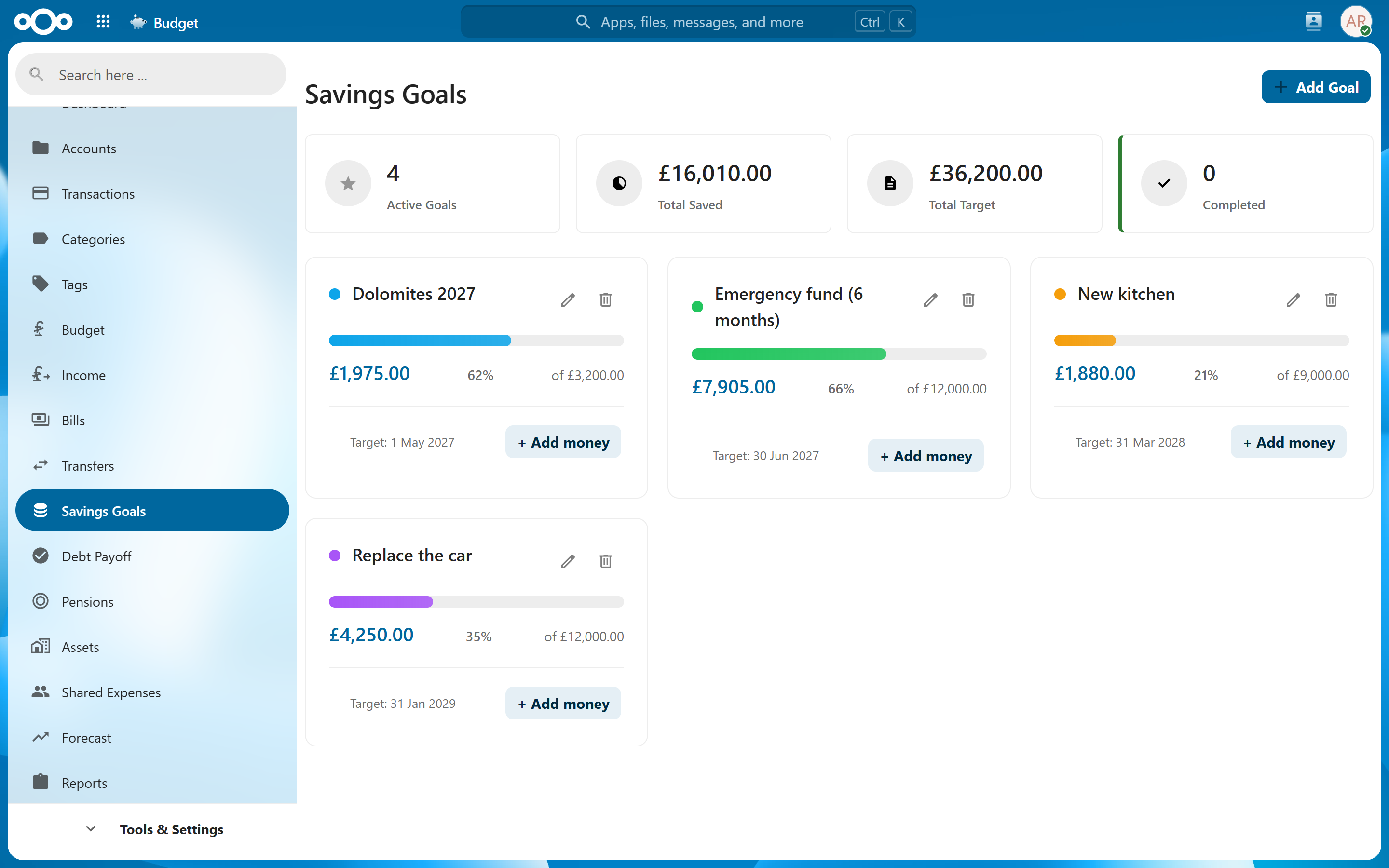
Keep the long game in view — what you're saving for, what you owe, and what you're worth.
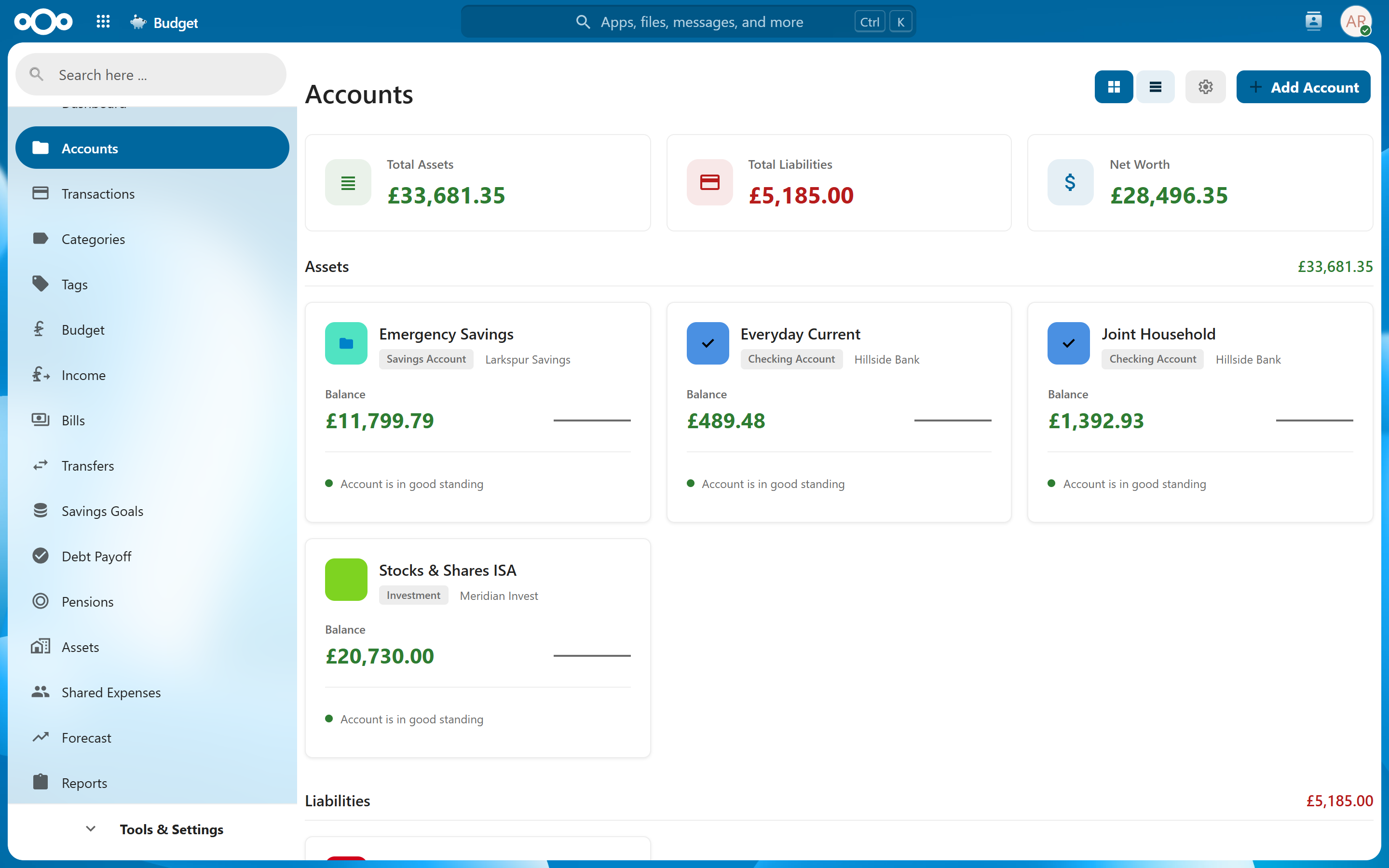
Track every pension pot and see whether you're on course — in tomorrow's money or today's.
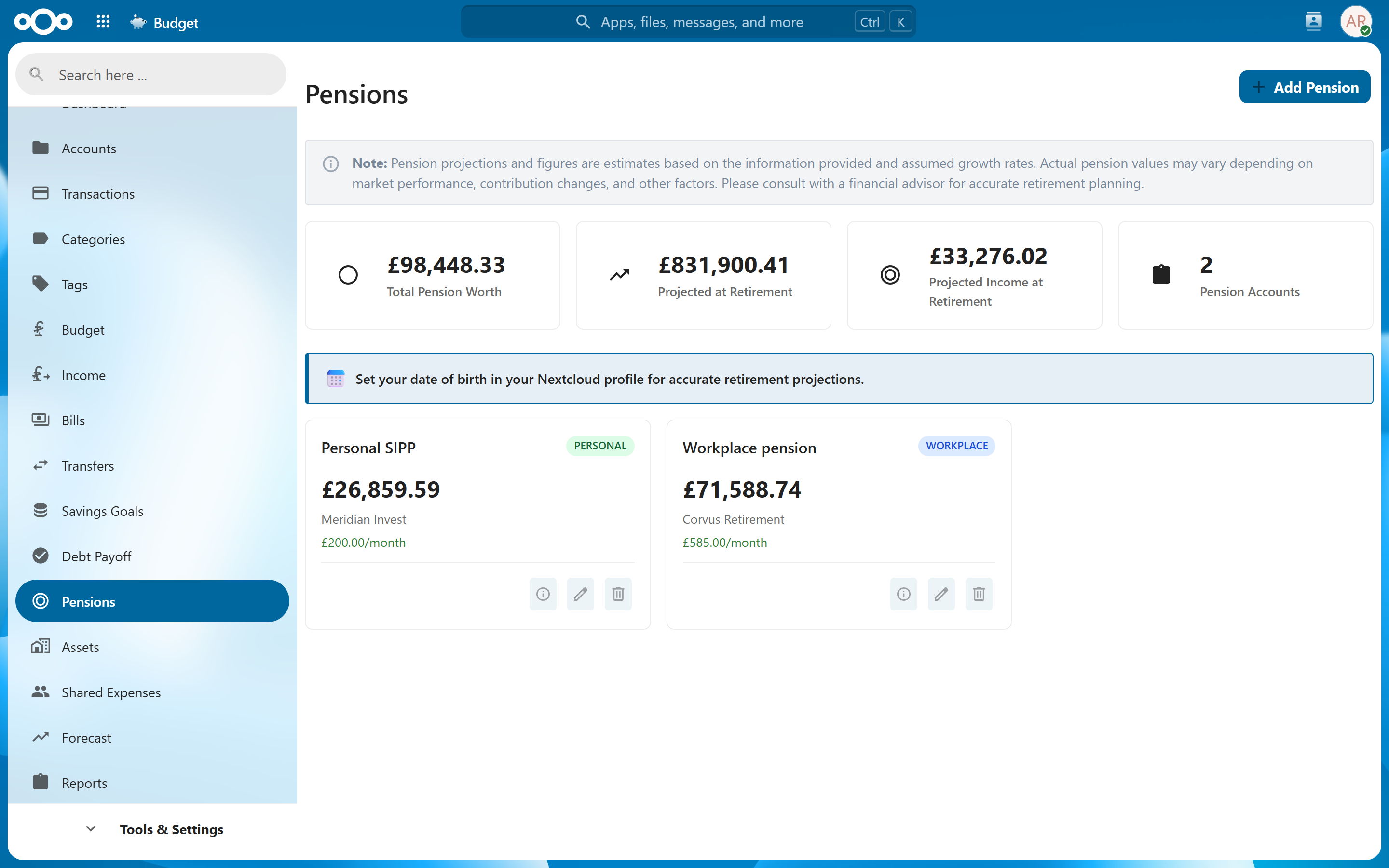
Understand your money with reports that go beyond a single balance.
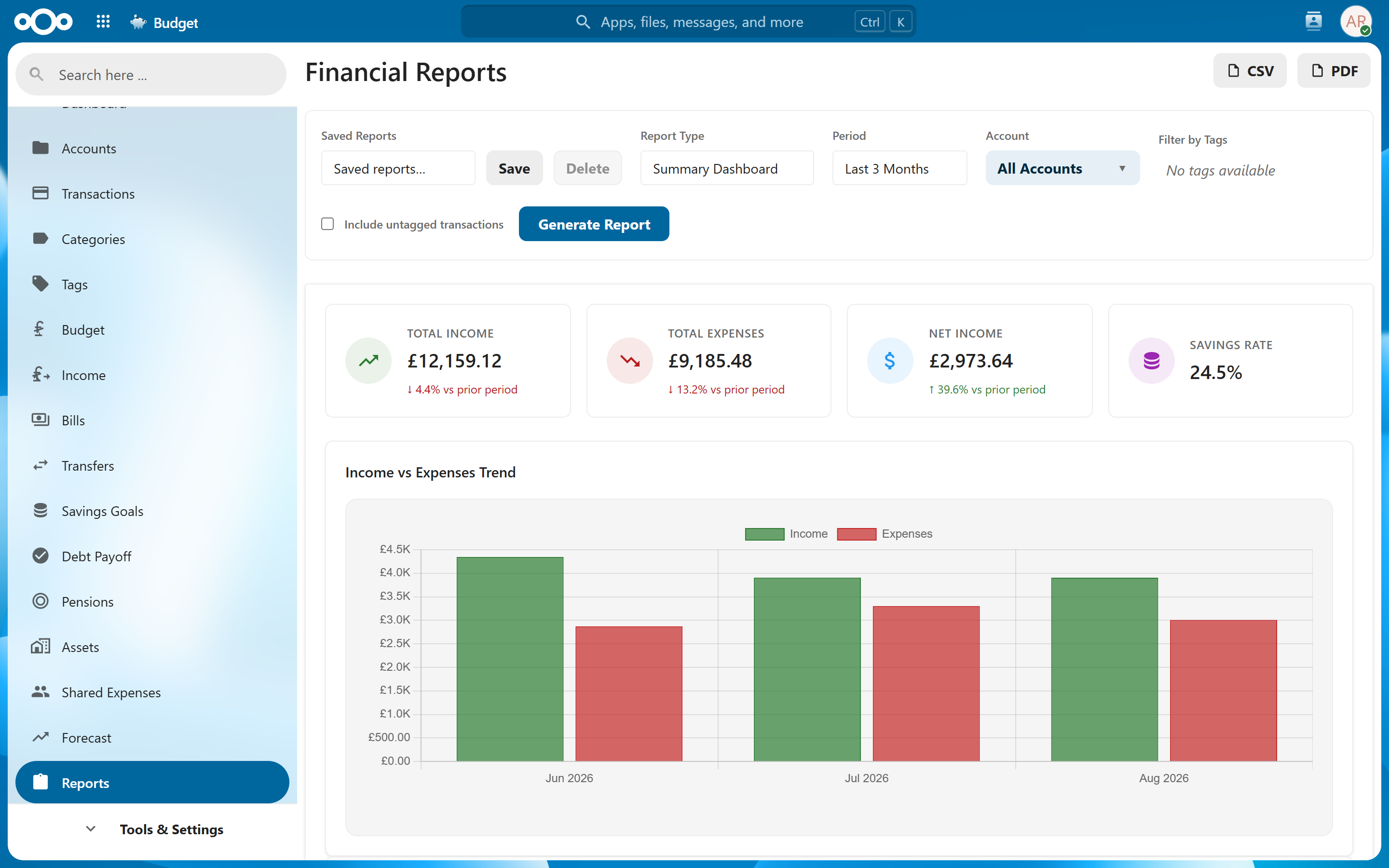
Never miss a payment, and always know what's coming in.
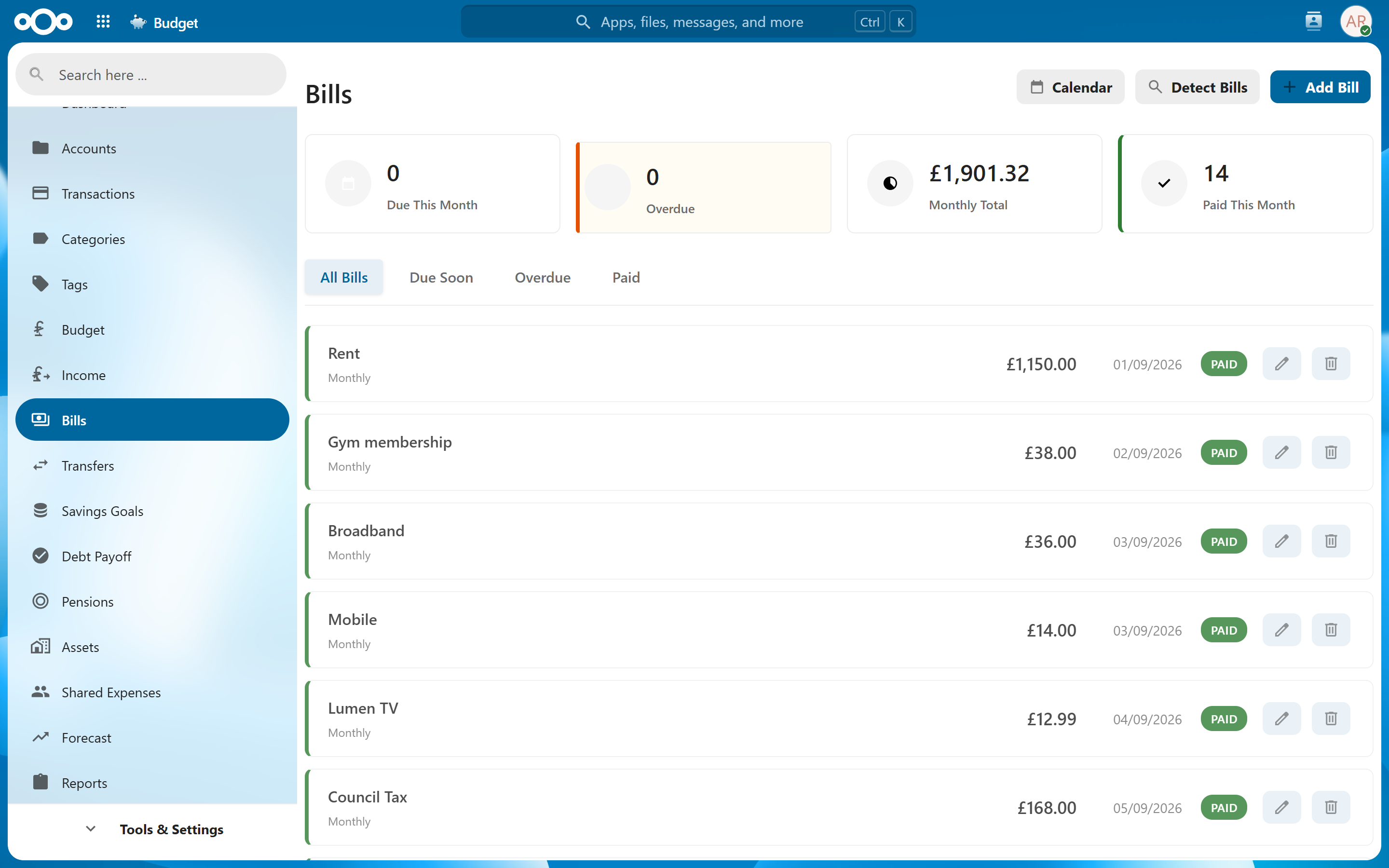
Bank accounts, cards, cash, loans, investments and crypto — in every currency you use.
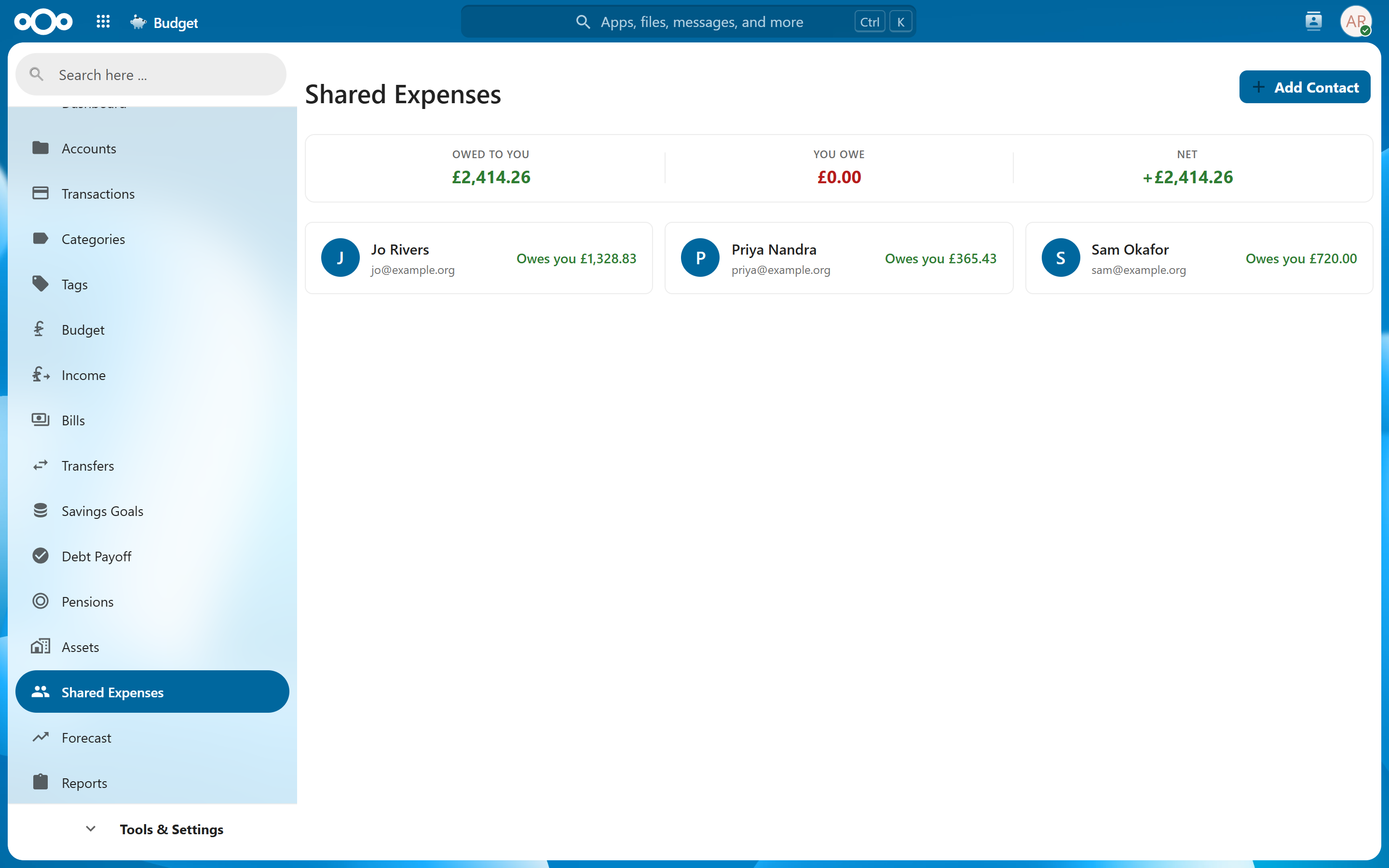
Households rarely have one set of books. Budget handles both halves of that.
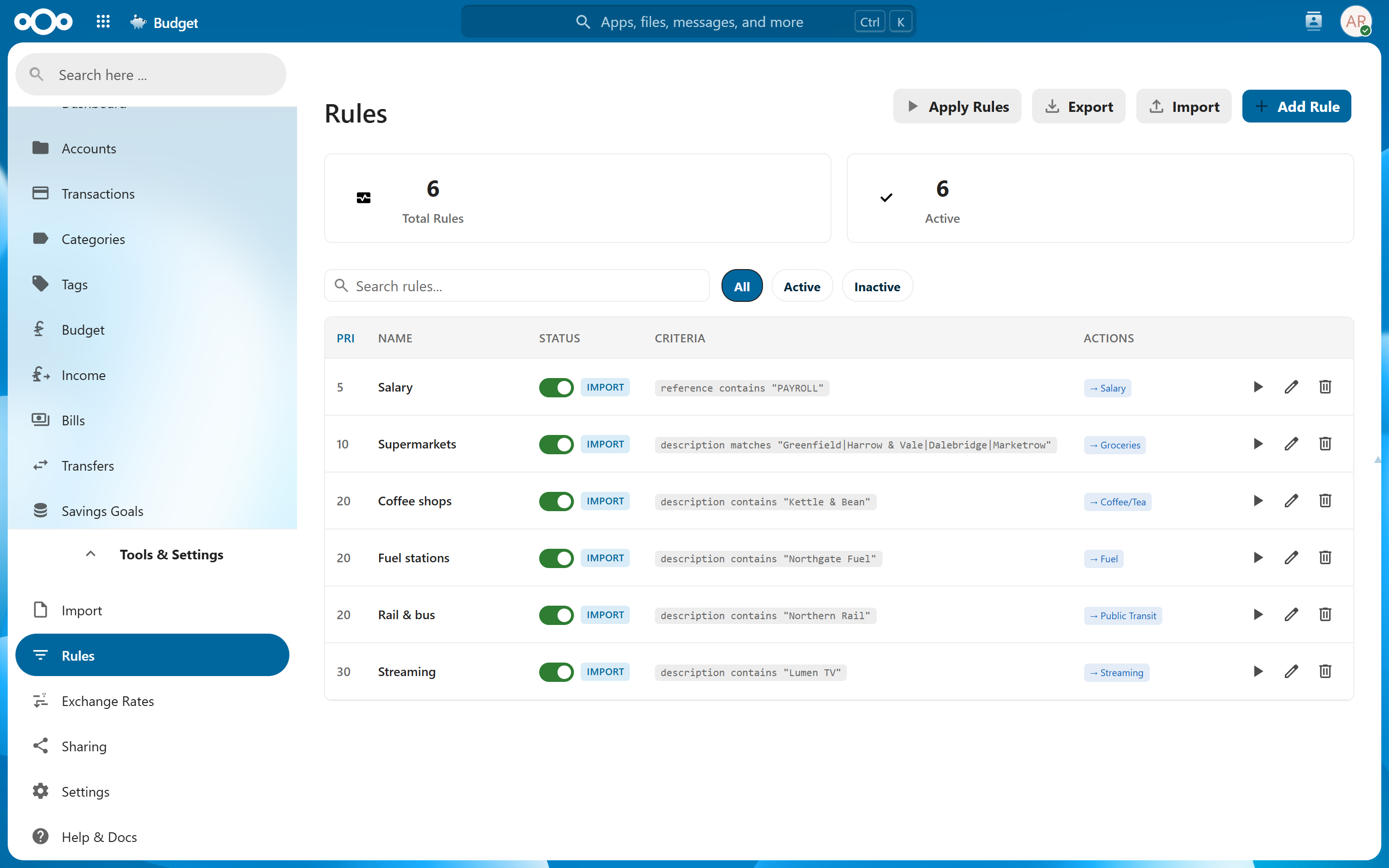
Teach it once, and every future import lands in the right place.
The small things you only notice when they're missing.
Press ? for the cheat sheet. g then a letter jumps to any page, / focuses search, and the transaction list moves under j/k.
Dashboard widgets, unified search, notifications, a bills calendar feed and receipts stored in your Files.
28+ tiles you can show, hide, reorder and resize — so the first thing you see is the thing you care about.
Full JSON export and restore, plus CSV and PDF exports. Nothing is locked in, and there is no vendor to leave.
Community translations via Weblate, with dates, numbers and currency formatted the way you write them.
No accounts to create, no third parties, no tracking. Everything lives in your Nextcloud database and nowhere else.
Browse the full screenshot tour, or install Budget and load the demo data in one command.